
A points programme is one of the simplest ways to bring WooCommerce customers back: every order earns points, points turn into a discount, and your best customers get a reason to choose you over a marketplace.
I recently built a custom loyalty plugin for a collectibles store, with points, ranks, cashback and double-points campaigns. Off-the-shelf plugins can do a lot, but most of the work is deciding how the programme should behave. Here are the decisions to make before you install or build anything, with the choices we made.
1. How points are earned and what they're worth
Keep the maths easy for customers to understand:
- Earning: 1 point for every €1 spent is easy to explain.
- Value: 100 points = €1 off. That gives 1% cashback on every order.
Decide whether points are earned on the order total, the total after discounts, or the product subtotal only. Most stores exclude shipping and tax.
2. When points are given
Award points when the order is completed, not when it's placed. Otherwise a customer can earn points, cancel the order and keep them. In WooCommerce, the woocommerce_order_status_completed hook is the natural place to credit points.
3. Ranks for your best customers
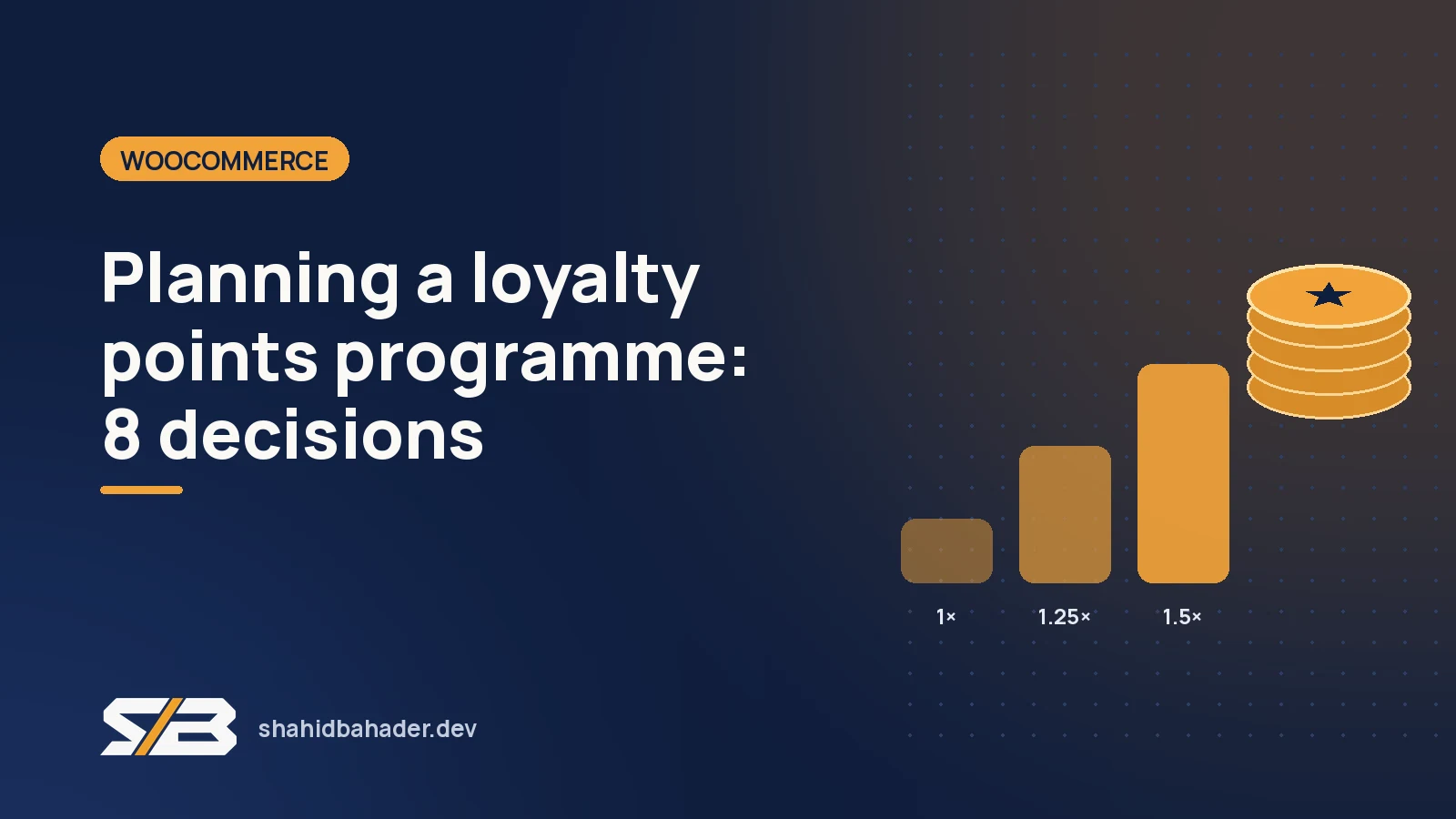
Ranks give regular customers something to aim for. We used three, based on lifetime points, so spending points never lowers a customer's rank:
| Rank | Reached at | Earns per €1 | Cashback |
|---|---|---|---|
| Explorer | 0 points | 1 point | 1% |
| Hunter | 2,500 points | 1.25 points | 1.25% |
| Legend | 10,000 points | 1.5 points | 1.5% |
Higher ranks can also unlock extras that cost little, like early access to pre-orders.
4. A welcome bonus, without the loophole
A bonus on the first order (we used 500 points) gets new customers started. Decide whether it counts toward ranks. We let customers spend it but not count it toward their rank, so nobody gets promoted just for signing up.
5. Refunds
This is the part that's easy to forget. When an order is refunded, fully or in part, take back the points earned on the refunded items and adjust the customer's lifetime total and rank to match. Otherwise refunds become a way to farm points. Handle both full refunds and partial ones.
6. Campaigns
Double-points weekends are an easy promotion that doesn't cut your prices. Build in a campaign multiplier from the start (for example 2×), so promotions are a switch rather than a code change.
7. Where customers see their points
A points programme only works if people notice it. We showed points in three places:
- The header: a small live balance next to the cart.
- Every product page: "Earn 34 points with this purchase", with a 2× badge during campaigns.
- My Account: a dedicated tab with the balance and its value in euros, the current rank, progress to the next rank, and the full points history.
The My Account tab is a WooCommerce account endpoint: register it with add_rewrite_endpoint() and add it to the menu with the woocommerce_account_menu_items filter.
8. Tools for the shop team
Customers will email about missing points. Give the shop team a way to adjust a balance by hand, with a note that shows in the customer's history, so every change is explained.
Plugin or custom build?
An existing plugin is the quickest start if its rules match yours. A custom plugin makes sense when you want the programme to carry your own branding, follow your exact rules for ranks, bonuses and refunds, and stay light on a large catalogue. For a big store, speed matters: points should be stored and updated per customer when orders change, not recalculated from order history on every page view.
The result
The store now has its own branded loyalty programme that rewards every order, promotes its most loyal collectors and can run double-points campaigns whenever it needs a boost.
Thinking about a loyalty programme for your WooCommerce store? Tell me how you'd like it to work and I'll suggest the simplest way to build it.